How To Choose An OJS Theme For A University Journal: 10-Point Checklist
Choosing an OJS theme for a university or society journal? Use this 10-point checklist covering credibility, author journeys, mobile, accessibility, indexing and support.
A journal website is often the first thing a potential author, reviewer or indexing service sees. For a university or society journal, the theme has to communicate academic credibility in a few seconds — and then make it easy for readers and authors to do what they came for.
Screenshots alone are misleading. Use this checklist while you click through live demos, and score each theme from 0 to 2 on every point.
1. Does The Homepage Prove Credibility Immediately?
Within the first screen a visitor should see the journal title, ISSN (print and online), publisher or university, and ideally the indexing services you are listed in. Recognition bodies and indexers look for this information; a theme that hides it in a sidebar or footer works against you.
2. Is The Current Issue Easy To Find?
Readers come for recent research. The current issue — cover, volume and number, and a few highlighted articles — should be on the homepage, not two clicks away. Check how the theme handles issues without a cover image too, because many journals do not design one for every issue.
3. Is There A Clear Path For Authors?
Look for a visible Submit Manuscript call to action, and check that author guidelines, publication charges and the review process are reachable from the main menu. Themes with a dedicated "important dates" or call-for-papers block help special issues get submissions.
4. How Does The Article Page Look?
This is the page that gets cited, shared and indexed, so judge it carefully:
- Title, authors, affiliations and ORCID iDs clearly laid out.
- Abstract and keywords as readable text.
- Prominent PDF download button.
- A "How to cite" section with a copy button.
- Published date, DOI, and ideally views and downloads.
5. Does It Work Well On Phones?
A large share of journal visits come from mobile devices, especially in South Asia and Africa. Open the demo on your phone: the menu, tables of contents and article pages should all be comfortable to use without zooming or sideways scrolling.
6. Is It Accessible?
Many universities have accessibility obligations. Look for WCAG 2.1 AA colour contrast, visible focus outlines when you press Tab, meaningful link text and alt text support for images. A good test: try navigating the demo using only the keyboard.
7. Is It Fast?
Large hero videos, heavy JavaScript frameworks and uncompressed images slow every page down. A fast theme improves the reading experience on slow connections and helps search engines crawl your site more often. Open the demo in an incognito window on mobile data and see how quickly the homepage becomes usable.
8. Does It Fit Your Discipline And Brand?
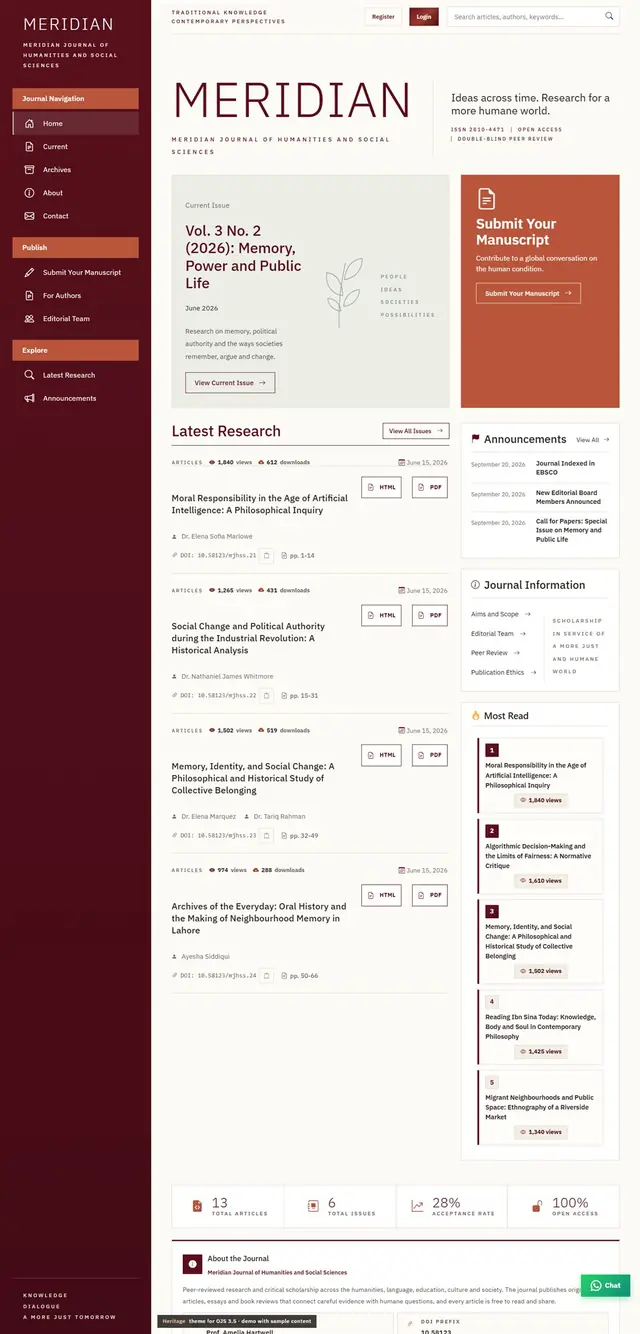
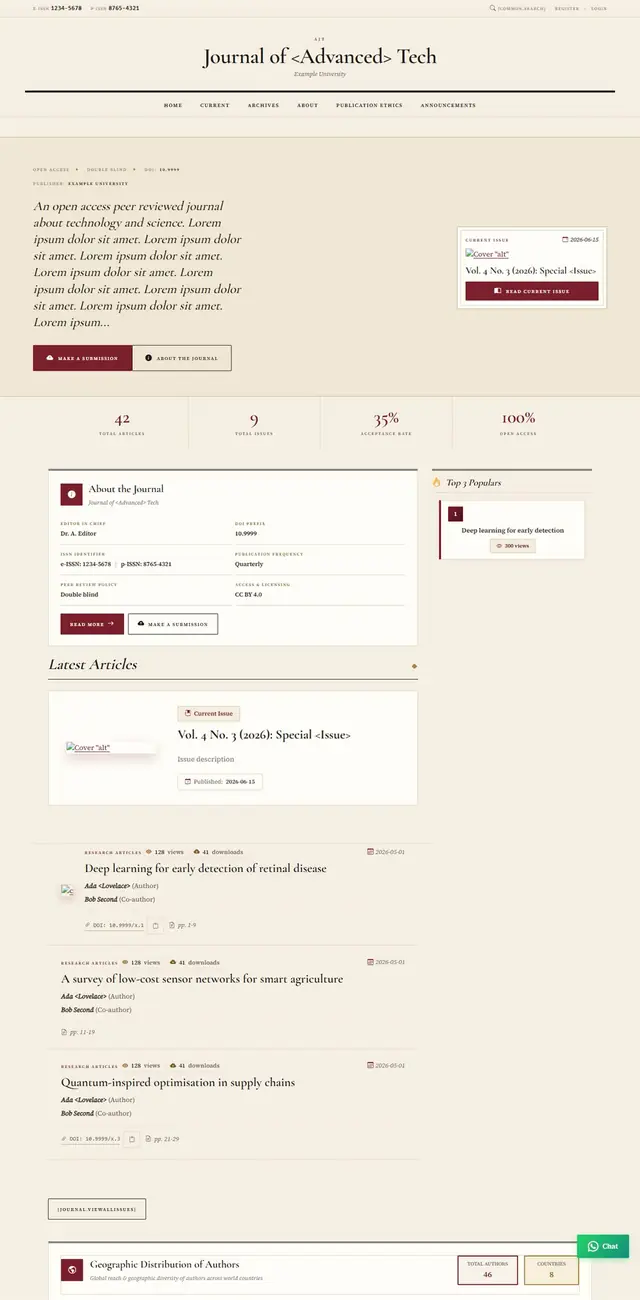
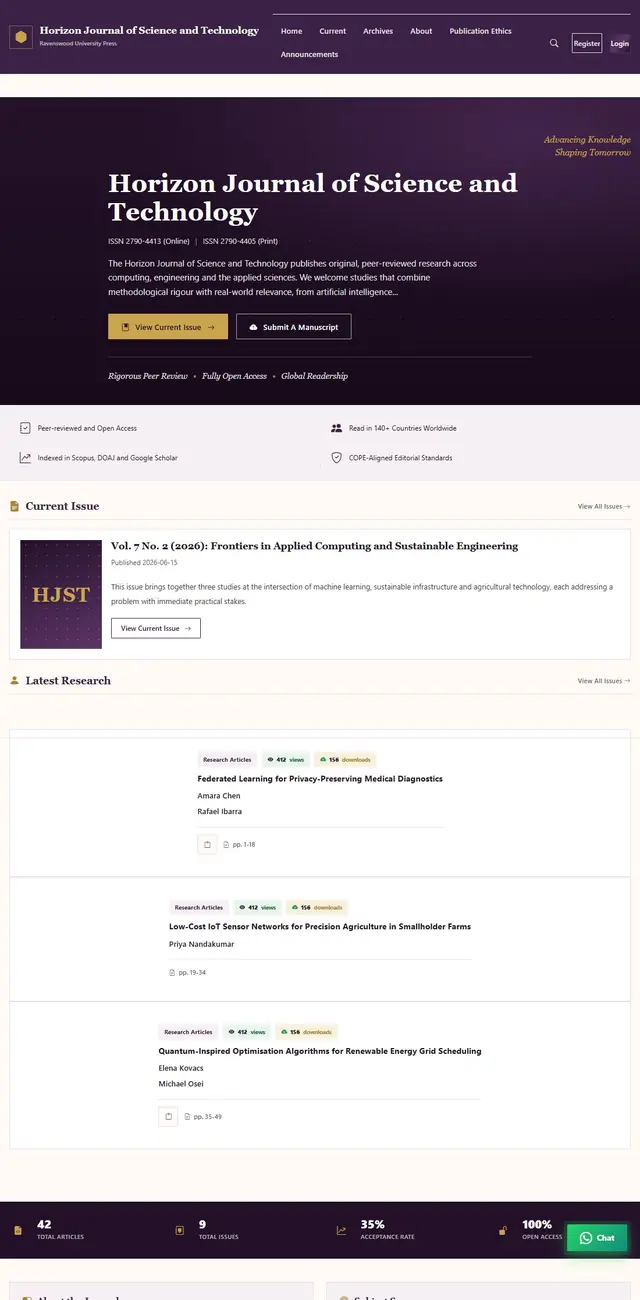
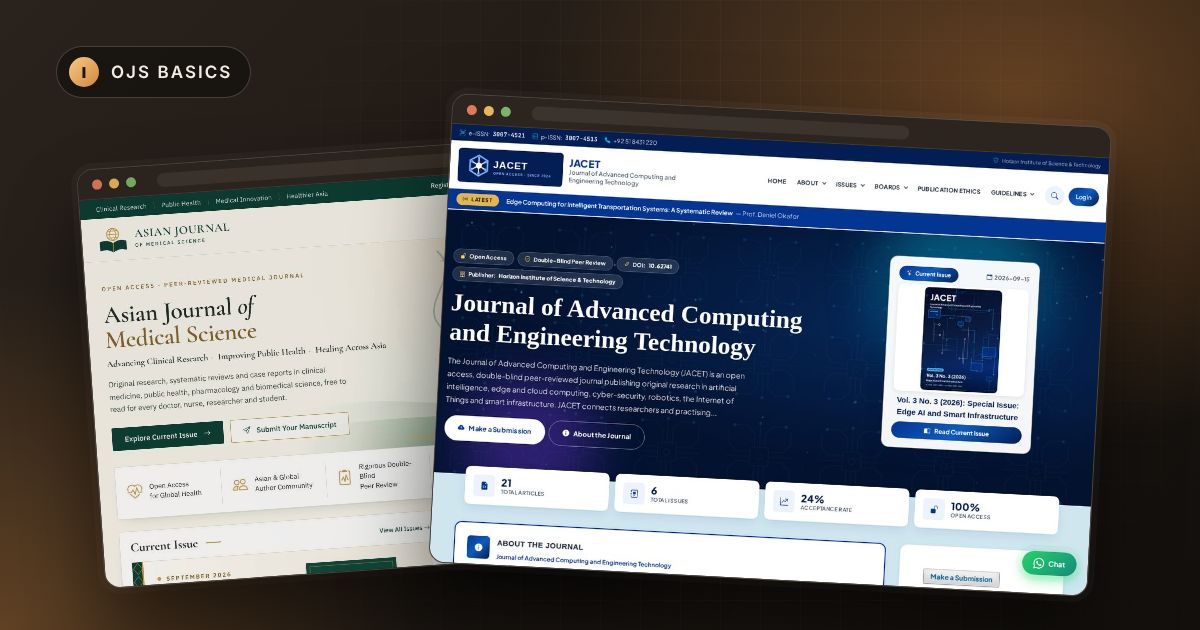
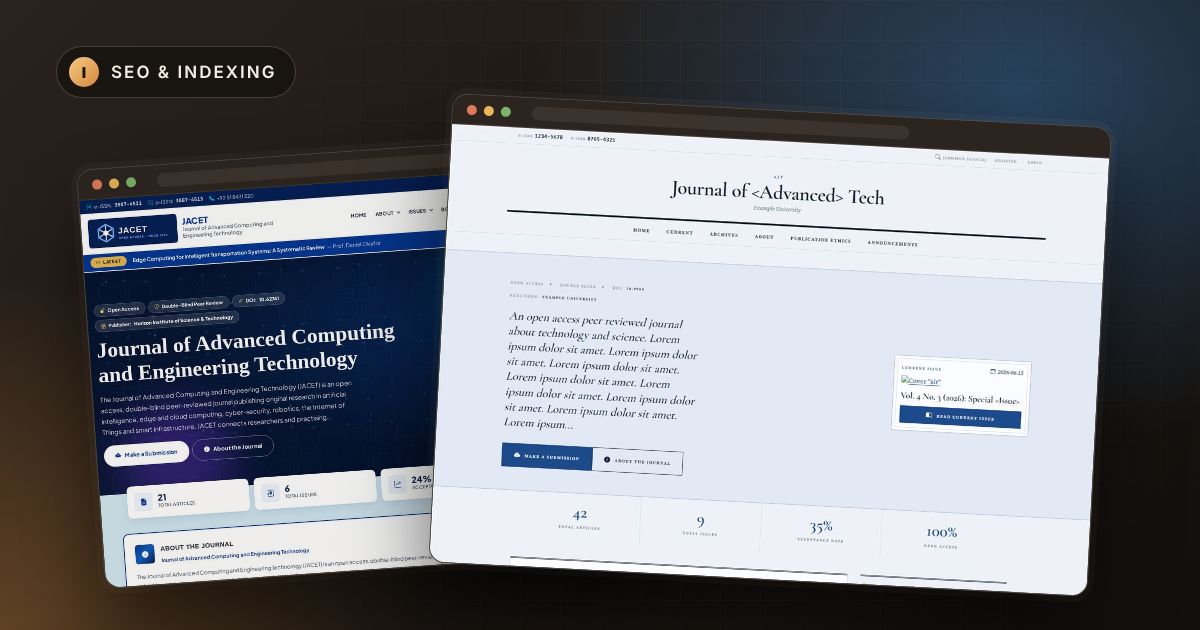
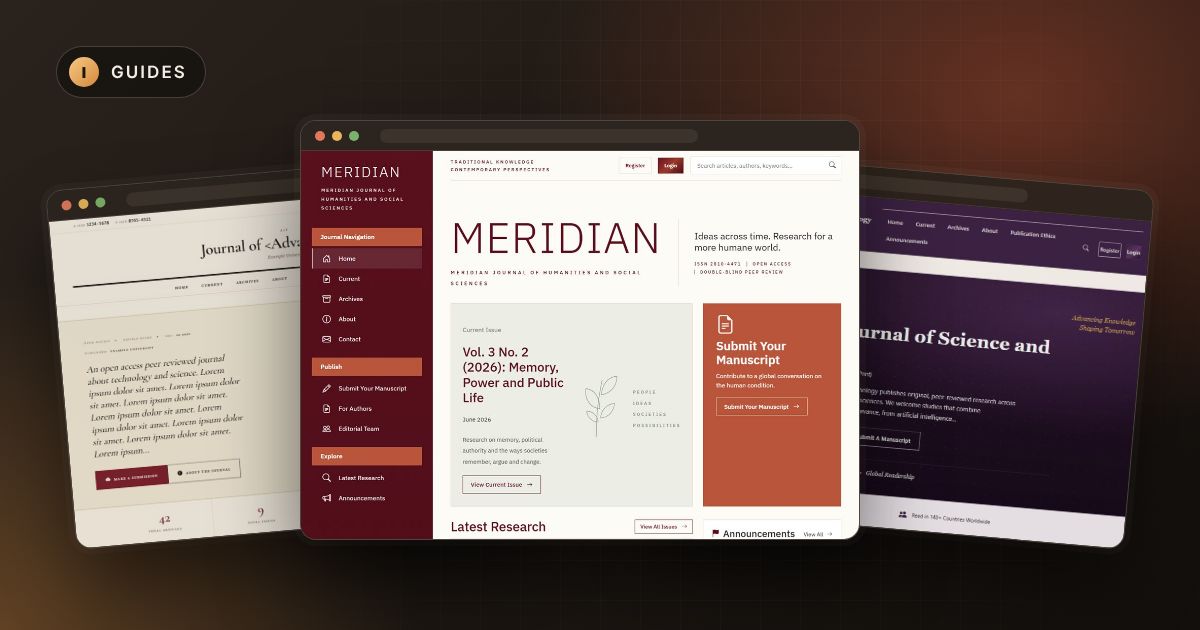
A technology journal and a humanities journal should not look the same. Modern layouts with counters and charts suit science and engineering, while classic mastheads and serif typography suit arts, humanities and law. Our traditional themes — Athenaeum, Heritage and Classic — are built for exactly that printed-journal feel. Also confirm the theme can take your university's colours and logo without custom code.
9. Does It Support Your OJS Version And Languages?
Check the exact OJS versions the theme supports (3.3, 3.4, 3.5) and whether it will be updated for future releases. If you publish in Urdu, Arabic or Persian, test the right-to-left layout — read our guide to RTL journals on OJS.
10. What Support Is Included?
The cost of a theme is not only the licence. Ask:
- Is installation on our server included?
- Will you apply our logo, colours and menus?
- What happens when OJS releases a new version?
- How do we contact you, and how quickly do you respond?
Scoring The Results
Add the scores. A theme that scores 16 or more out of 20 is a strong candidate; anything under 12 will likely need customisation to work for your journal. Shortlist two themes and ask colleagues — an editor, an author and a reader — to try each demo on their own phone before you decide.
Compare Live Demos
Every theme in our collection has a full live demo journal with issues, articles, an editorial team page and working search, so you can test all ten points before you buy. Browse the OJS themes, and every licence includes installation, your branding and upgrade support.