OJS SEO: How To Get Your Journal Indexed In Google Scholar
A practical OJS SEO checklist for editors: Google Scholar meta tags, clean URLs, PDF galleys, sitemaps and the theme choices that help indexing in Open Journal Systems.
For most academic journals, Google Scholar is the single biggest source of readers. Unlike Google Search, Scholar does not rank journals by backlinks or keywords. It looks for one thing: article pages it can reliably read as scholarly papers — with a clear title, authors, publication date and a full-text PDF.
Open Journal Systems already does much of this work for you. This checklist shows what to switch on, what to check and which mistakes quietly stop your articles from being indexed.
1. Keep The Google Scholar Indexing Plugin Enabled
OJS includes a Google Scholar Indexing plugin that adds citation_ meta tags to every article page — citation_title, citation_author, citation_publication_date, citation_journal_title, citation_pdf_url and more. These tags are exactly what Scholar's crawler reads.
Check it under Settings > Website > Plugins > Generic Plugins and make sure it is enabled. While you are there, the Dublin Core Indexing plugin adds a similar set of DC. tags that other indexers use.
Tip: Open any article on your journal, view the page source (Ctrl + U) and search for
citation_title. If you cannot find it, Scholar cannot either.
2. Publish A Full-Text PDF For Every Article
Scholar strongly prefers articles with a full-text PDF galley. Each article page should link to a PDF that contains the same title and author names as the page itself, with the title in a large font at the top of the first page. Avoid scanned images without text — Scholar needs selectable text to match the PDF to the metadata.
3. Get The Metadata Right Before Publishing
Most indexing problems are metadata problems. Before you schedule an issue, check every article for:
- Author names in the correct fields (given name and family name separated), with consistent spelling across articles.
- The article title in title case, without extra text such as "Research Article" inside the title field.
- An abstract entered as text, not pasted as an image.
- The publication date of the issue and article.
- References entered in the references field, so citation links can be built.
4. Use Clean, Stable URLs
Every article should have one permanent address. Two settings help:
- Restful URLs. Setting
restful_urls = Oninconfig.inc.phpremovesindex.phpfrom addresses (your server must also have the matching rewrite rule). Shorter URLs are easier to share and cite. - Never move published articles. If an article URL changes, Scholar may treat it as a different paper or drop it. Choose your journal path once and keep it.
If you add DOIs (built into OJS 3.4 and 3.5 under Settings > Distribution > DOIs, with the Crossref plugin for registration), the DOI becomes a second permanent address that always resolves to your article.
5. Let Crawlers In
- robots.txt must not block your article pages, PDF galleys or
/article/view/and/article/download/paths. - Do not hide galleys behind login if you want them indexed. Subscription journals should at least keep abstracts public.
- Sitemaps. OJS generates a sitemap for each journal at
/index.php/yourjournal/sitemap(or/yourjournal/sitemapwith restful URLs). Submit it in Google Search Console so new issues are discovered faster. - Fast pages. Very slow article pages can be crawled less often. Optimised images and a lightweight theme help.
6. What Your Theme Has To Do With It
A theme does not create the citation_ tags — the plugin does — but a theme can still help or hurt indexing:
- It must keep the plugin's meta tags in the page head. Poorly built themes that override the header template can accidentally remove them.
- It should show the title, authors, abstract and PDF link as real text on the article page, not inside images or scripts.
- It should use one
h1per article (the title) and semantic headings for the abstract and references. - It should load quickly on mobile, because Google indexes the mobile version of pages first.
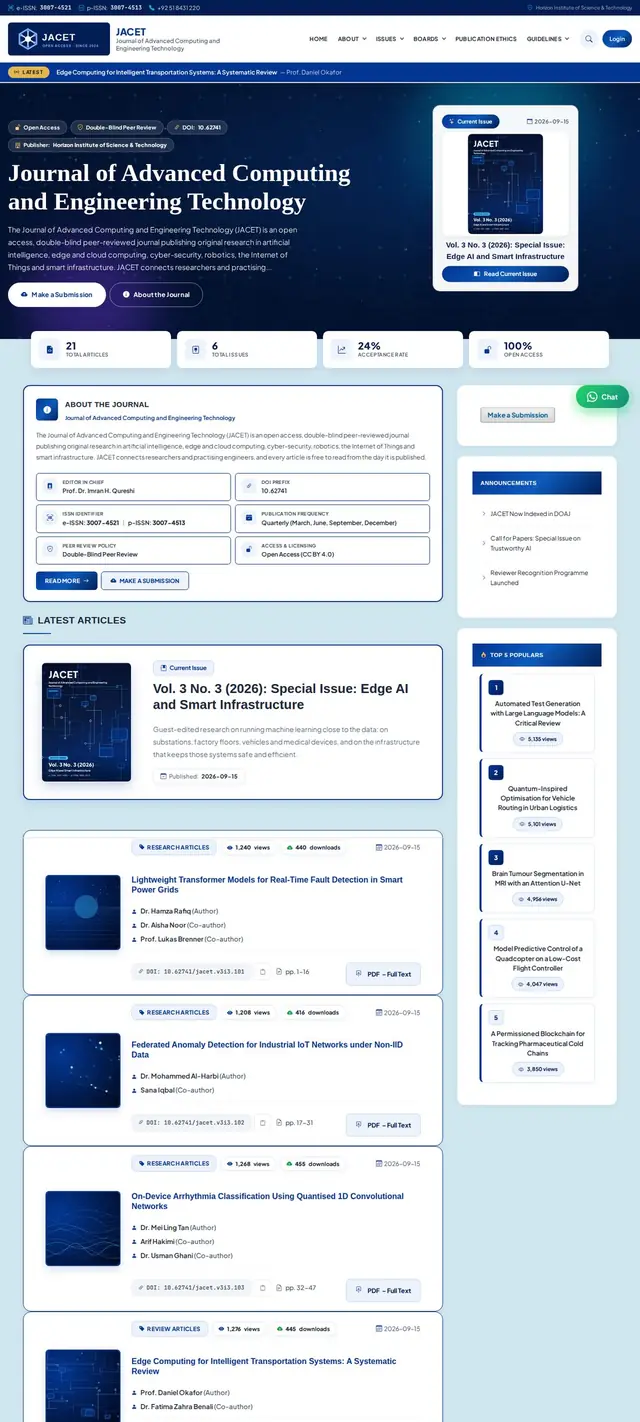
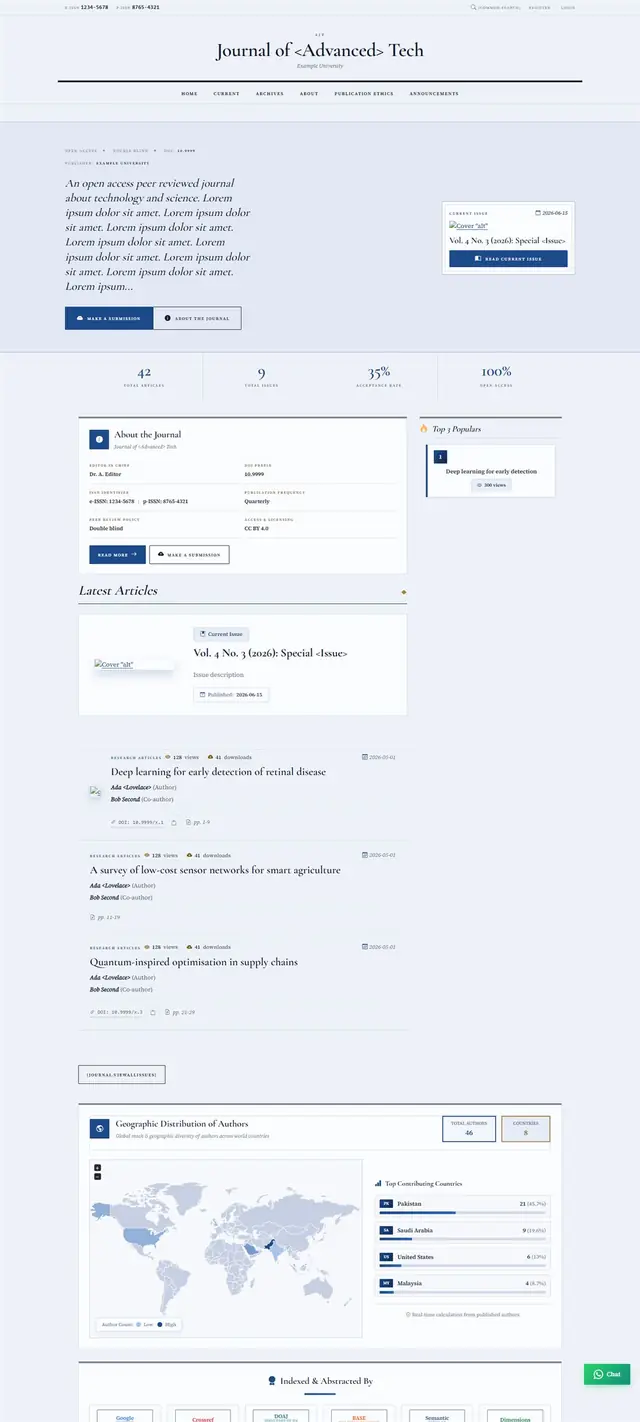
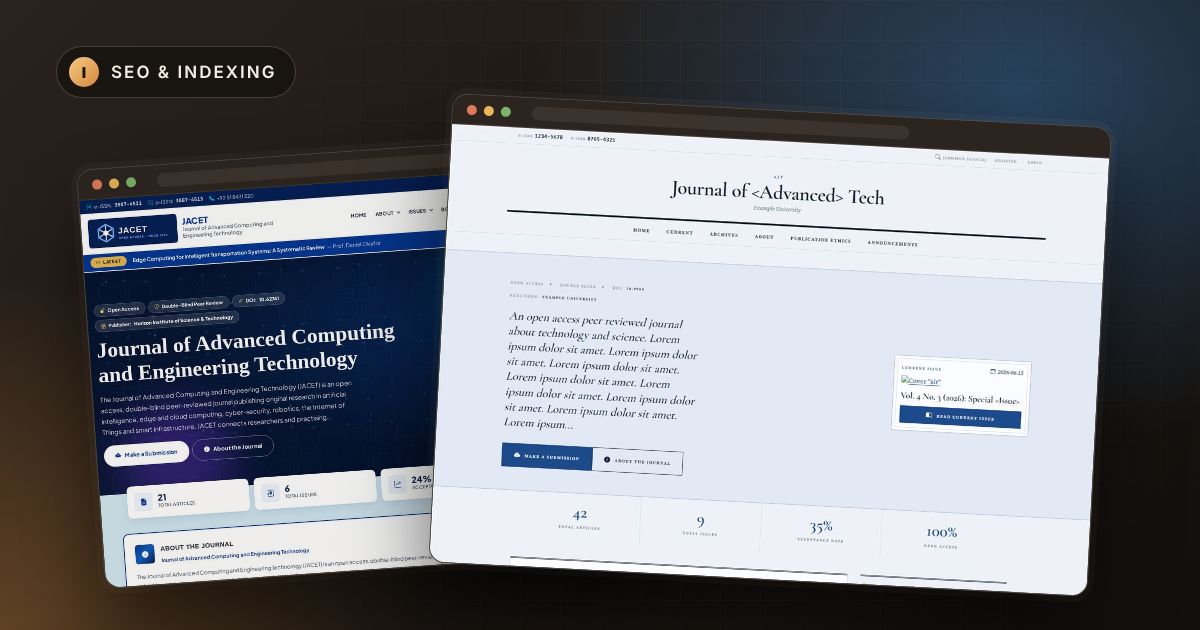
All OJS themes in our collection keep the standard OJS article metadata intact, use semantic article layouts and are tested with the Google Scholar Indexing plugin enabled.
7. Be Patient — And Check Your Progress
Scholar typically takes several weeks to a few months to index a new journal. To check progress, search Scholar for source:"Your Journal Title" or for the exact title of a recent article in quotes. If a few issues are visible but newer articles are missing, re-check the metadata and PDF of the missing ones first — the cause is almost always there.
Quick Checklist
- Google Scholar Indexing and Dublin Core plugins enabled.
- Every article has a full-text, text-based PDF.
- Author names, titles, abstracts and dates entered correctly.
- Stable URLs (restful URLs on), DOIs where possible.
- robots.txt open to articles and galleys; sitemap submitted.
- A theme that preserves meta tags and loads fast.
Want a theme that is built with indexing in mind? Read what an OJS theme actually changes, or contact us for a free review of your journal's article pages.